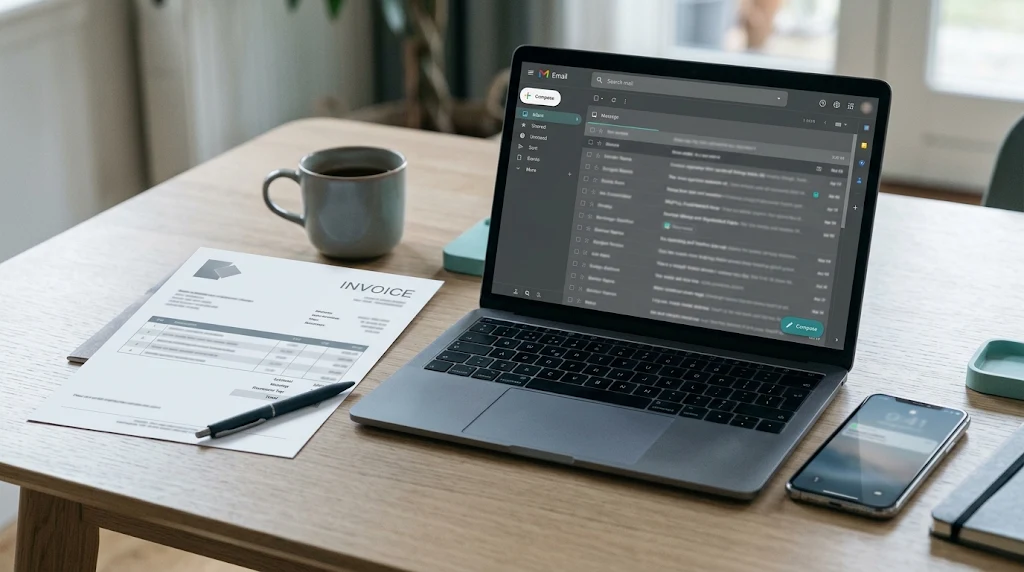
A Scammer Changed the Bank Details on an Invoice: What to Do Now
The email looked exactly like it came from your contractor, landlord, title company, or supplier. It said their bank details had changed and gave a new account for the payment. You paid. Then the real business got in touch to ask why they hadn’t been paid.
This is a form of business email compromise, a scam that targets both businesses and individuals, usually by taking over or imitating a real email account (FBI IC3).
The short answer: if you already paid, call your bank’s fraud department right away and ask it to recall or stop the payment, then file a complaint at IC3.gov as soon as possible (FBI IC3). Contact the real business using a phone number you already had, secure your email, and save every message and payment record. Getting money back isn’t guaranteed, and the first hours matter most.
Key takeaways
- If you already paid, call your bank’s fraud department now and ask it to recall or stop the payment. Speed matters more than anything else.
- File a complaint at IC3.gov as soon as possible, whatever the amount. The FBI says IC3 may help banks and law enforcement freeze funds.
- Contact the real vendor at a phone number you already had, not one from the email, and secure your own email account.
- Because you sent the payment yourself, it’s usually treated as authorized, so recovery depends on how you paid and how fast you act.
- Next time, confirm any change to payment details by phone using a number you already trust.
If you already paid: what to do right now
- Call your bank or payment provider’s fraud line. Use the number on your card or the bank’s official website. Say the payment went to a fraudster and ask the bank to recall, stop, or reverse it. For a wire, ask specifically for a wire recall (CFPB). Ask for a reference number and write down who you spoke to.
- File a complaint at IC3.gov. The FBI says to file as soon as possible, regardless of the amount, and that IC3 may help financial institutions and law enforcement freeze funds (FBI IC3). Include the payment details, the receiving account, and the dates.
- Contact the real business. Call them using a number from a past invoice, their official website, or your own contacts, never one from the suspicious email. Tell them their email may be compromised, or that someone is imitating them.
- Secure your own email. Change your email password, turn on two-step login, and check for forwarding rules or filters you didn’t create. Our guide to securing a hacked account walks through it.
- Report it to the FTC at ReportFraud.ftc.gov, and consider a local police report. The FTC also recommends reporting business email imposters to local law enforcement (FTC).
- Don’t delete anything. Keep the emails, invoices, and payment confirmations exactly as they are (see “Evidence to save” below).
How the invoice scam works
Scammers usually get into the conversation in one of two ways:
- A hacked real account. They break into the vendor’s email, or yours, read the ongoing conversation, and send a real-looking message from the real address at exactly the right moment. In real estate, scammers often target agents’ email to learn when closings are coming up (CFPB).
- A look-alike address. They register a domain that’s one letter off, or use a display name that hides the real address, and reply in the same thread (FTC).
The FBI reports a rise in BEC funds being sent to third-party payment processors, peer-to-peer apps, and cryptocurrency exchanges, not only bank accounts (FBI IC3).
Signs the request was fake
- A sudden change to a new bank account, often described as an “audit,” new bank, or temporary issue.
- Pressure to pay quickly, or to keep the change quiet.
- A sender address or reply-to address that’s slightly different from earlier messages. Check the full address, especially on a phone (FBI IC3).
- A new account in a different name, city, or country than the business.
- The business is unreachable by phone, or asks you to confirm only by email.
Getting money back depends on how you paid
Because you sent the payment yourself, banks generally treat it as authorized, even though you were deceived. That usually rules out the federal protections for unauthorized transfers. Our guide to unauthorized transfers vs. payments you were tricked into sending explains that line. What’s left depends on the payment method and speed.
WordPress: core Table block (Header section on, Fixed width off).
| How you paid | What to ask for | What to know |
|---|---|---|
| Domestic wire | A wire recall, right away | Wires are generally outside Regulation E (12 CFR 1005.3). Recovery usually depends on the money still being in the receiving account |
| International wire or remittance | A recall, and a cancellation if it’s still within the window | Consumer remittances can be canceled free within 30 minutes if the money hasn’t been picked up or deposited (CFPB). IC3 runs a process for international wires (IC3) |
| ACH, online bill pay, or bank transfer | A stop or reversal, and to have the bank contact the receiving bank | Usually treated as authorized because you sent it; act quickly |
| Payment app (Zelle, Venmo, and others) | To stop the payment and flag the recipient | Many app payments can’t be undone once sent; report to the app as well |
| Check | A stop payment, if it hasn’t cleared | Check whether it has been deposited yet |
| Credit card | A dispute with your card issuer | Card payments usually have the strongest dispute rights |
Our guide on disputing a scam payment by payment method covers each option in more detail. If your bank refuses, see what to check when a bank denies a scam reimbursement.
Do you still owe the real invoice?
This is often the hardest question, and there’s no single answer. Who bears the loss can depend on whose email was compromised, what your contract or terms say, how the business communicated with you, and the law in your state. Some situations end with the business absorbing the loss, some with the customer, and some with a split.
- Don’t pay the invoice a second time before you’ve spoken to the business and understood your options.
- Ask the business, in writing, whether its email was compromised and what it found.
- Check your contract or invoice terms for anything about payment instructions or changes.
- For a large amount, such as a home closing, a renovation, or a business payment, consider talking to an attorney before you agree to anything.
This guide can’t tell you who is legally responsible in your situation. It’s general information, not legal advice.
Evidence to save
- The fake email with its full header details, and the earlier genuine emails in the same thread.
- Both invoices: the real one and the altered one, saved as received.
- Your payment confirmation, including amount, date, receiving bank, account name and number, and any wire reference numbers.
- Notes from every call with your bank, with names, times, and reference numbers.
- Your IC3 complaint confirmation and any FTC or police report numbers.
- Anything showing your email was accessed, such as login alerts or new forwarding rules.
Our Digital Evidence Checklist and guide to preserving evidence of online fraud explain how to save emails so the dates and headers stay intact.
If you’re buying a home
Closing funds are a common target because the amounts are large and the timing is predictable. The CFPB recommends choosing two trusted contacts, such as your agent and settlement agent, discussing the money transfer with them in person or by phone, and confirming the account name and number before wiring at a phone number you agreed on in advance. It suggests a code phrase only you and they know, and says: “Never follow instructions contained in an email” (CFPB).
How to verify a change to payment details next time
- Treat any email that changes bank details as unconfirmed until you’ve checked it.
- Call the business using a number you already had, not one in the email or the new invoice. The FBI recommends using secondary channels or two-factor authentication to verify requests to change account information (FBI IC3).
- Ask the person to confirm the change, then confirm the new details back to them yourself.
- For large payments, send a small test amount and confirm the business received it.
- Protect your own email with unique passwords and two-step login (FBI IC3).
- In a business, require a second person to approve any change to vendor bank details.
Frequently asked questions
What should I do first if I paid a fake invoice?
Call your bank or payment provider’s fraud line immediately and ask it to recall or stop the payment, then file a complaint at IC3.gov as soon as possible.
Can I get my money back after paying a scammer’s bank account?
Sometimes, if the bank acts before the money is moved. Because you sent the payment yourself, it’s usually treated as authorized, so recovery depends on the payment method and how quickly you report it. There’s no guarantee.
Does the FBI help get the money back?
The FBI says IC3 may help financial institutions and law enforcement freeze funds, and it asks victims to file a complaint as soon as possible, whatever the amount. Filing doesn’t guarantee recovery.
Do I still have to pay the real business?
It depends on the facts, your agreement with the business, and state law. Talk to the business before paying twice, and consider an attorney for large amounts.
How can I tell if an email asking to change bank details is real?
You can’t tell from the email alone. Call the business using a number you already had and confirm the change before paying.
Should I report it if the amount was small?
Yes. The FBI asks victims to file with IC3 regardless of the amount lost.
Sources
- FBI Internet Crime Complaint Center, Business Email Compromise public service announcement (I-091124-PSA, Sept. 11, 2024)
- FBI Internet Crime Complaint Center, Financial Fraud Kill Chain brochure
- Federal Trade Commission, Cybersecurity for Small Business: Business Email Imposters
- Consumer Financial Protection Bureau, Mortgage Closing Scams: How to Protect Yourself and Your Closing Funds
- Consumer Financial Protection Bureau, What is a remittance transfer and what are my rights?
- 12 CFR 1005.3, Coverage (Regulation E)
- Federal Trade Commission, ReportFraud.ftc.gov
This guide is general information, not legal advice. Read how we research and update our guides in our Editorial Standards, and see our Corrections Policy to report an error. More coverage: Scams & Fraud.
The Cyber Law Brief
Get practical guides like this in your inbox
Weekly reporting. No noise. Unsubscribe anytime. Privacy Policy.